
01
Watch without reaching
Play, pause, mute, adjust volume, seek, and enter fullscreen on video sites across the web.
Free & open-source Chrome extension
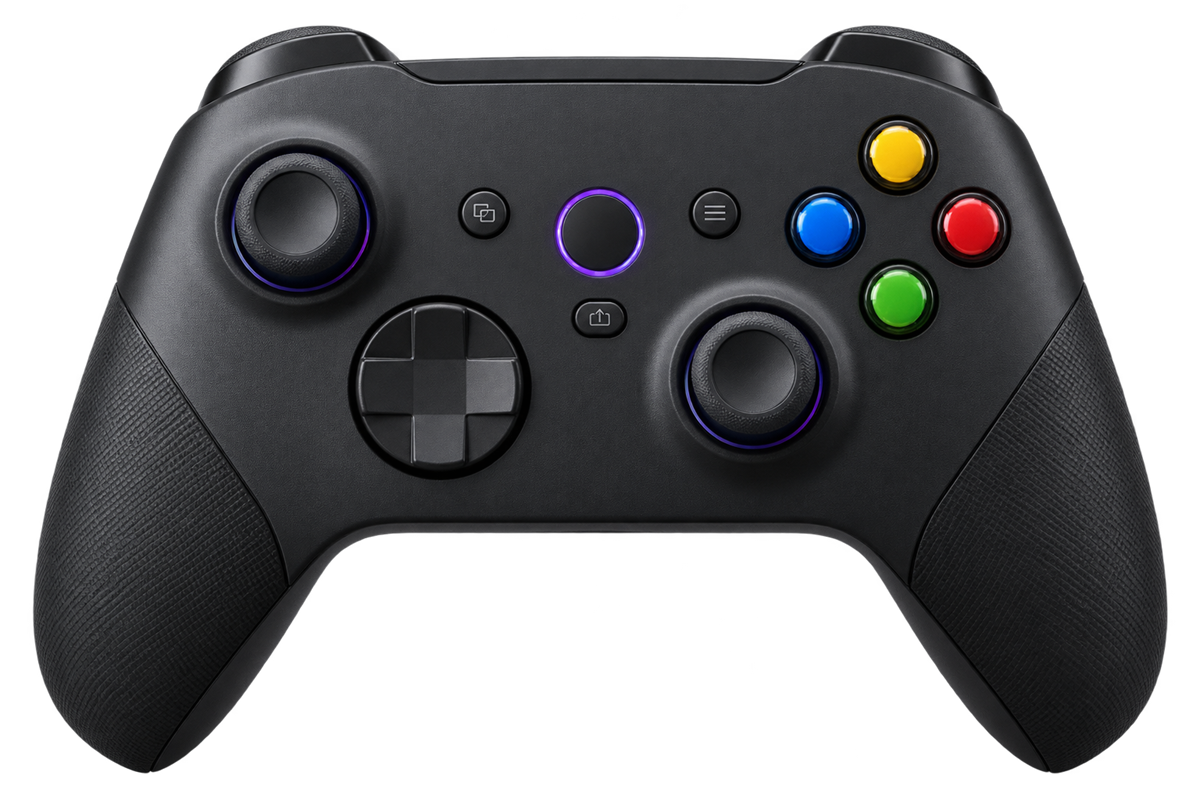
Turn any game controller into a full-featured remote for Chrome. Play, scroll, switch tabs, and browse without getting up.
Xbox, PlayStation, Switch Pro & most USB/Bluetooth gamepads
Made for the big screen
Everything you use most, mapped to the controller already in your hands.
Play, pause, mute, adjust volume, seek, and enter fullscreen on video sites across the web.
Scroll with the left stick, move a virtual cursor with the right, and click with R3.
Remap actions, create button combos, launch favorite sites, or send custom keyboard shortcuts.
Ready out of the box
Install, connect your controller, and press any button on a normal webpage. Sensible defaults take care of the rest.
And every one of them can be changed.
From install to play
Install the extension free from the official Chrome Web Store.
Use USB or Bluetooth—if Chrome recognizes it, Couch Controller can too.
Open a regular webpage and your controller becomes the remote.
Fine-tune everything
The simple settings screen lets you change bindings, build combos, adjust stick sensitivity, and more. Changes save automatically and sync with your Chrome profile.
View full screenshot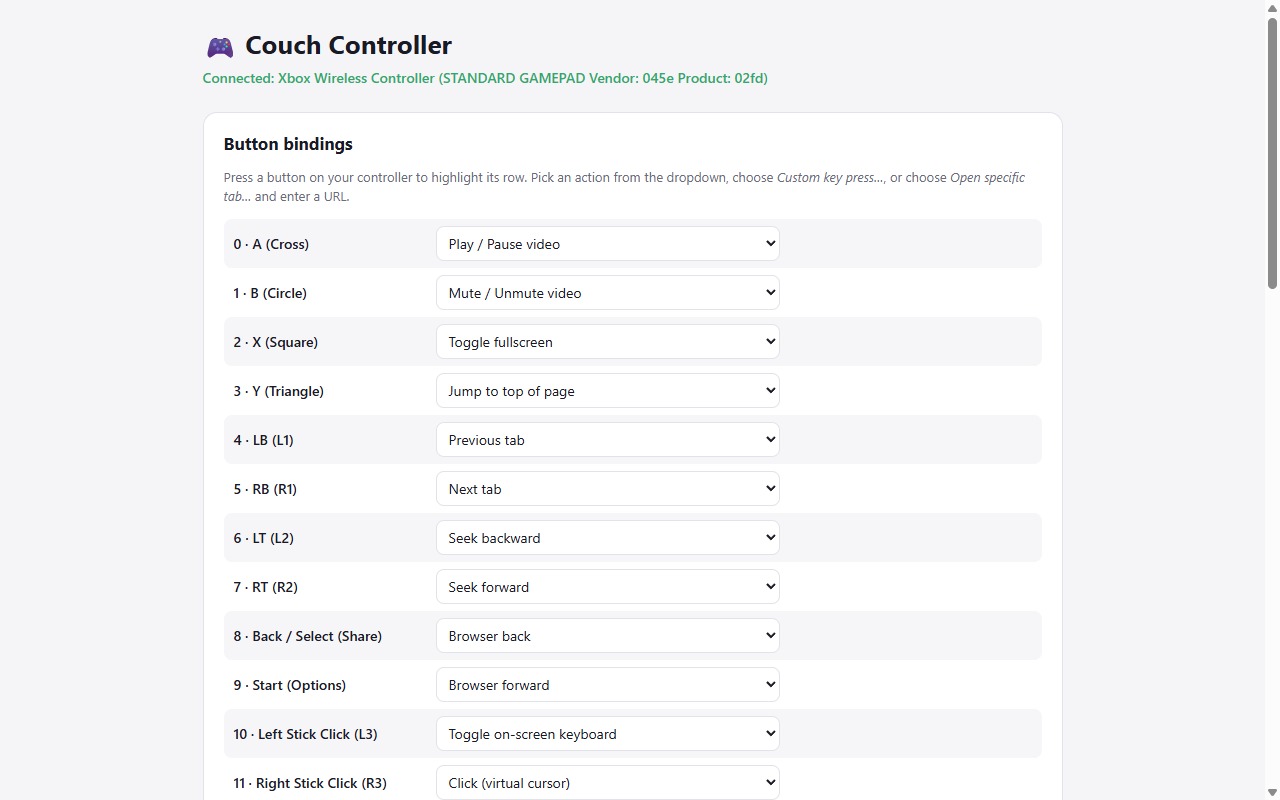
Changelog
Version 1.1.0 Released
Quick controls, clearer status, and more reliable button presses. Changes from version 1.0.0.
Version 1.1.0 is now available in the Chrome Web Store. Use any Add to Chrome link on this page to install it.
Good to know
Still curious? The project is open source, so you can inspect every line.
Explore on GitHubAny controller recognized by Chrome’s Gamepad API should work, including Xbox, PlayStation, Switch Pro, and most generic USB or Bluetooth gamepads.
It works on normal webpages. Chrome blocks extensions from running on its own internal pages, the Web Store, and the default New Tab page.
Yes. Every button can be remapped, and you can add multi-button combos, custom key presses, or shortcuts that open a specific website.
Couch Controller does not collect browsing history or send usage analytics. No account is required. Your preferences, including disabled-site choices, use Chrome’s sync storage and can sync through your Google account.
No. Couch Controller is free and open source.

One click away
Free, open source, and ready for your controller.
 Add to Chrome — it’s free